If you are currently using a standard home printer to print shipping labels, you already know the struggle. You’re likely printing on a full sheet of paper, cutting it out with scissors, and then using half a roll of clear tape to stick it onto the box. It’s slow, it looks a bit "DIY“. To get a professional shipping setup without overpaying, you need to look at a dedicated shipping label printer.
The goal is simple: you want a label printer that works every time you click "print," doesn't require expensive ink, and produces labels that won't smudge in the rain.
Why Direct Thermal?
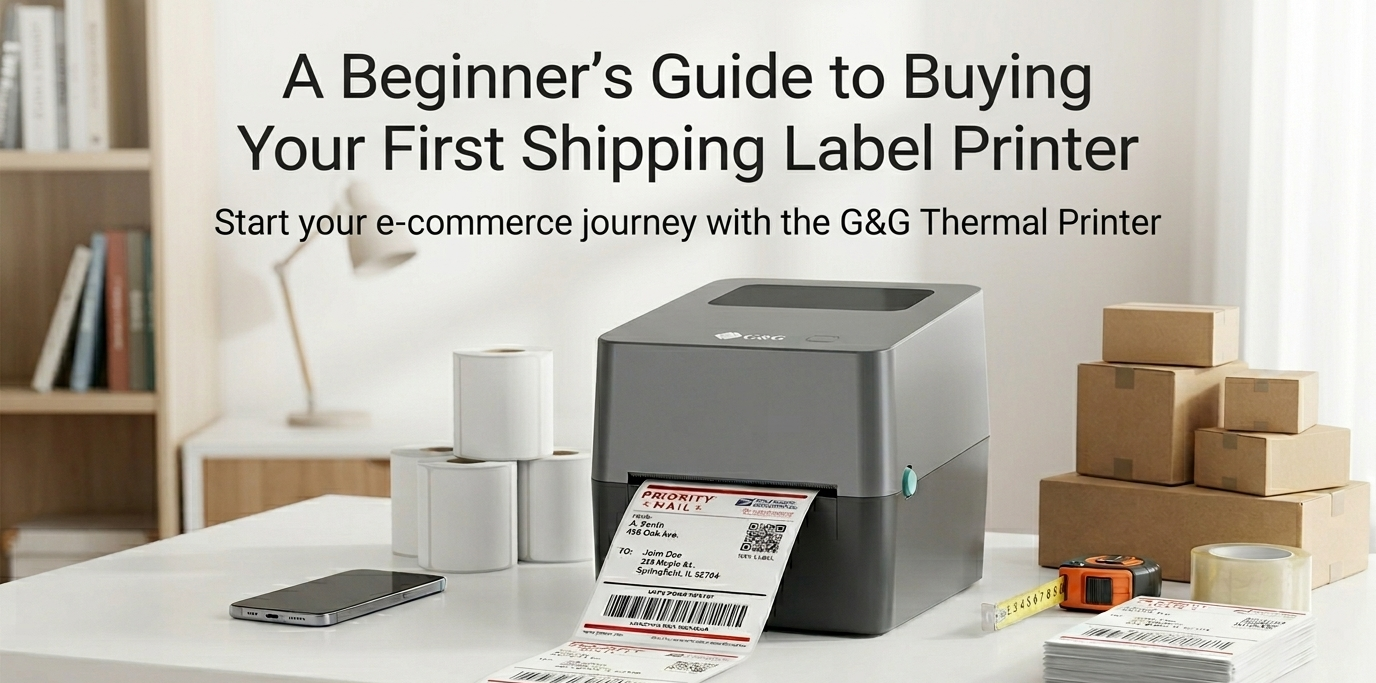
When you use a normal office printer, you are constantly held hostage by ink and toner. This is why a 4x6 shipping label printer stands out. These label printers use something called Direct Thermal technology.
No Ink, Ever: Instead of spraying liquid ink, the printer uses a heated print head. The heat hits special heat-sensitive paper (the labels), and the image appears instantly.
Zero Smudging: Because there is no wet ink, the label comes out dry and crisp. You can rub your thumb across it immediately, and it won't smear.
Massive Savings: When you print shipping labels at home this way, your only ongoing cost is the labels themselves.
By switching to a thermal label printer for shipping, you are cutting out the most expensive part of the printing process. It’s faster, cleaner, and significantly cheaper in the long run.
Will You be Forced to Buy Expensive, Name-brand Labels?
Some companies sell you a cheap printer but then "lock" it. This means the machine will only work if it detects a special chip or a specific brand of paper that costs three times more than it should. It’s a classic trap, and it’s exactly how a "cheap" printer becomes a money pit.
With a G&G shipping label printer, the answer to that trap is a loud No.
Universal Compatibility: These printers are designed to be "open." This means you can buy any high-quality, generic 4x6 thermal labels from your favorite supplier.
Pennies per Label: When you aren't forced to buy "official" brand labels, your cost to print a shipping label drops to just a few cents.
Freedom of Choice: Whether you want standard white labels, colorful ones to match your branding, or even eco-friendly options, an open system lets you choose what’s best for your business.
By choosing a reliable, open-system machine like GG-D404 , you avoid the "junk" models that break after a month and the "trap" models that force you to buy overpriced brand-name stickers.
Bluetooth and Beyond
When you’re running a business, your time is literally money. You need a setup that is "plug-and-play," not "plug-and-pray."
Wireless Freedom: If you run your shop from a phone or tablet, a shipping label printer bluetooth model is your best friend. You can literally print shipping labels from your couch. You just pair it like a set of headphones, and you're ready to go.
Simple Wired Connections: If you prefer a desktop setup, a standard USB connection to your Mac or PC is usually just as easy. A quality shipping label printer should come with clear, simple software that handles the resizing for you automatically.
Shipping Label Printing Services vs. Owning Your Unit
When you're first starting out, you might consider using shipping label printing services at a local office supply store or a "pack and ship" center. While these are okay for a one-time gift to a friend, they are a major drain on a growing business.
The "Convenience" Tax: These services often charge a premium for the label itself, plus the time you spend driving there and waiting in line. If you value your time at even $20 an hour, that "quick trip" to the store just cost you more than the shipping itself!
On-Demand Power: When you have a GG D404 on your desk, you can print a shipping label the second a customer buys an item. This means you can get packages out the door faster, which leads to better reviews and more sales.
The Cost-Per-Label Win: Printing your own labels at home using a thermal printer costs pennies. In contrast, using a service or an inkjet printer can cost 10x more per package when you factor in ink, paper, and tape.
A Professional Edge: Packages with a clean, professional thermal label look like they came from a "real" company. It builds trust with your buyers and reduces the chance of the delivery driver misreading a hand-taped, blurry inkjet label.
Investing in your own gear isn't just a purchase—it’s a move that pays for itself after just a few dozen shipments.
The biggest mistake a "maker" or reseller can make is thinking they can wait until they are "big enough" to get professional tools. In reality, the tools are what help you get big. Choose a setup that stands by your side. Grab a shipping label printer, stop the "cut-and-tape" madness, and get back to grow your business.