When you look at your office or home workspace, it is easy to see a printer as just a simple machine that puts ink on paper. But according to the latest printer security news, modern printers are actually powerful computers sitting right on your network. If they are left wide open, they can become an easy doorway for hackers.
Securing this space does require an upfront investment. However, protecting your data does not have to break the bank. Let’s break down the direct, tangible costs of building a fortress around your paperwork.
The Direct Expenses of Upfront Investments in Secure Printing Solutions
Enterprise-Grade Secure Software and Cloud Function
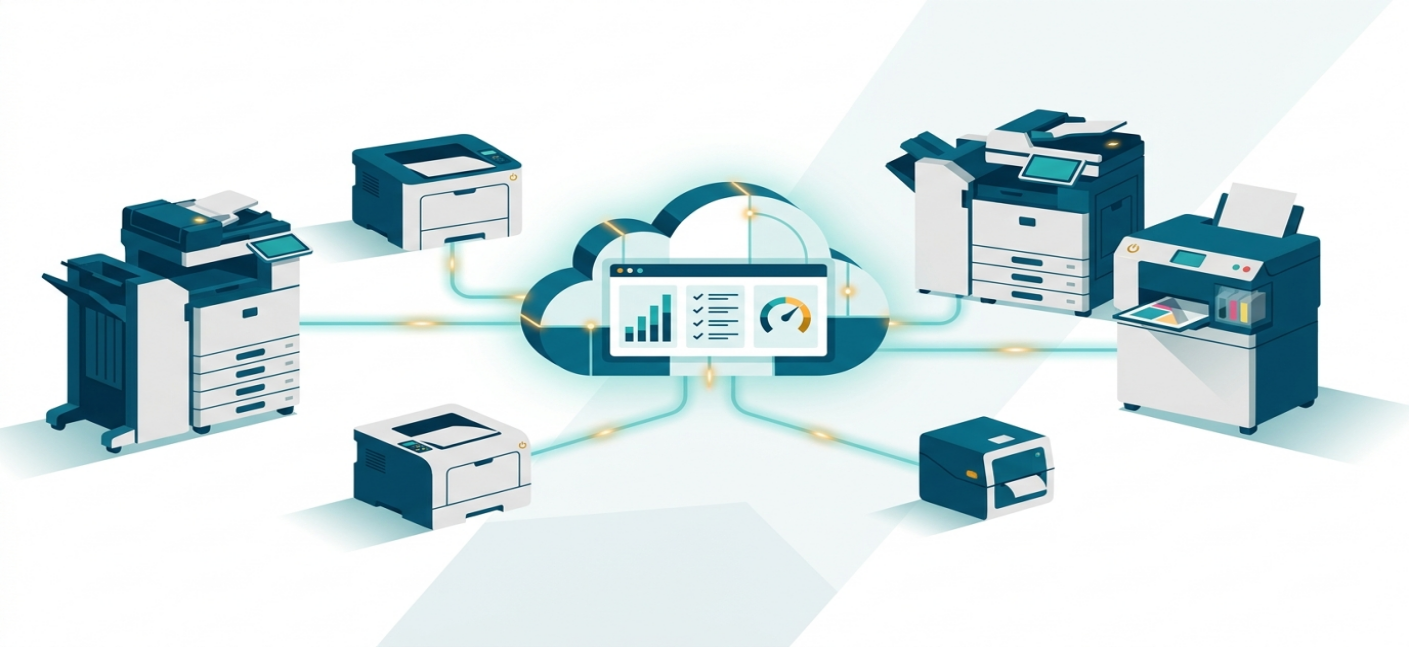
In the past, securing a printer meant buying expensive, heavy on-premise servers that only massive corporations could afford. Today, things are much simpler and more cost-effective thanks to cloud secure print technology.
Instead of buying physical servers, businesses now use subscription-based software. When you hit "Print" from your laptop or phone, your document is encrypted and held safely in a secure cloud queue. It won't actually print out until you are standing right in front of the machine to claim it.
The Cost Reality: For small businesses, legal counsels, or home offices, this usually means a predictable monthly or annual subscription fee per user or per device. It eliminates massive upfront IT setup fees and gives you access to the best secure printing solutions for enterprise environments 2025 and 2026 without the enterprise-level price tag.
Firmware Upgrades: Tamper-Resistant Printers and Specialized Equipment
For everyday business, high-quality documentation, and cartridge refilling efficiency, a dedicated device like a G&G laser printer is an excellent investment. These devices are engineered with secure firmware that protects against unauthorized network access right out of the box, ensuring that your data stays private from the moment you plug it in. Furthermore, they are highly compatible with premium toner solutions, helping you save money down the road without risking your device's health.
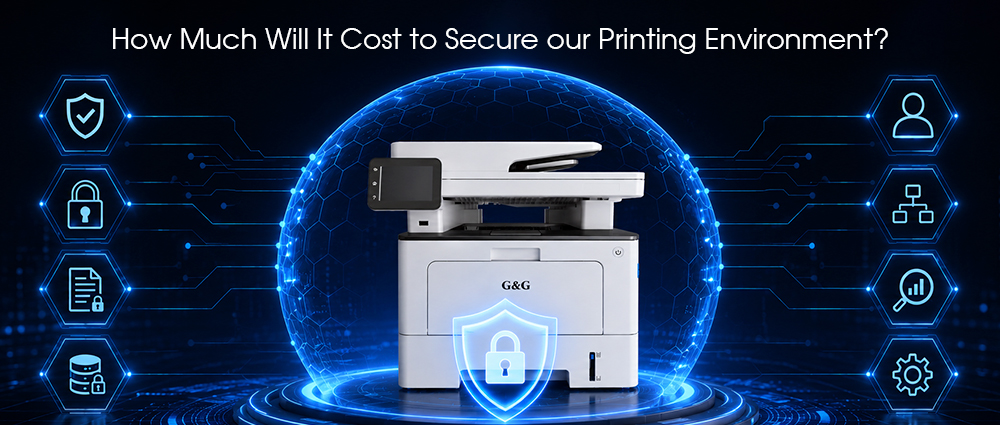
If your role involves legal counsel or financial management, you might need to go a step further. Investing in a specialized secure check printer adds a layer of physical and digital defense. These specific setups utilize anti-fraud MICR (Magnetic Ink Character Recognition) toner and locking paper trays to ensure high-value financial documents cannot be counterfeited or stolen.
This is a one-time capital expense. Buying a secure, reliable printer upfront saves you thousands of dollars in potential data breach fines later.
Authentication Devices and Pull-Printing Device
Have you ever printed a sensitive legal document, gotten distracted by a phone call, and left that document sitting on the printer tray for anyone to see? This is one of the biggest security risks in any office.
To fix this, businesses use secure print authentication. To unlock your documents, you must prove who you are right at the printer. This can be done using:
An ID badge or smartphone scan (NFC/RFID readers).
A physical PIN code entered into a keypad.
Biometric authentication (like a fingerprint scanner).
If your new printer doesn't have a touch-screen PIN pad built-in, you can buy small external USB card readers to plug into your existing machines. It is a minor hardware cost per printer, but it completely stops confidential documents from sitting exposed in an open tray.
What If It's Beyond Saving? Evaluating Your Old Printer Ink Cartridges
Sometimes, despite your best efforts with warm water and cleaning cycles, an old cartridge simply won't cooperate. It is important to know when to stop fighting with it so you don't waste your time or accidentally damage your printer.
If you have tried the reviving steps two or three times and your pages are still coming out completely blank, or if the print quality is incredibly faint and blurry, your old printer ink cartridges might simply be completely out of ink. Remember, ink naturally evaporates over time when left sitting for months, even if you didn't print many pages before letting it sit.
Another telltale sign that it's beyond saving is if the gold electronic contacts on the side or bottom look scratched, corroded, or deeply stained with dried ink that won't wipe away. When those electronic chips fail, your printer won't even recognize that a cartridge is inserted. If that's the case, it is time to stop scrubbing and start looking at an affordable, high-quality replacement to get your projects back on track.
The Indirect Expenses: Operational Overheads and Environmental Variables
When calculating the total cost of a secure system, the receipts for hardware and software only tell half the story. The rest of the cost lies in human hours and network management. Securing your data requires ongoing maintenance, especially when managing how data flows through your office or home setup.
IT Labor, Patch Management, and Network Configuration
The recent Security research dropped a startling statistic for compliance managers: only 36% of IT teams apply printer firmware updates promptly. This means nearly two-thirds of office printers are running outdated software, leaving them wide open to known security exploits.
Fixing this gap isn't free—it requires IT labor. To secure your setup, your technical team (or you, if you manage your own home office) must actively manage various. These variables are the background settings that dictate how computers and printers talk to one another.
If you use a PC setup, your IT administrator has to map out specific windows print environment variables to ensure that data pathways are restricted. If these variables are left at their default settings, an attacker who gains access to a printer can easily move sideways into your main company servers.
The expense here is measured in IT billing hours or employee bandwidth. Regularly patching firmware and tightening network settings takes time, but it plugs the single biggest hole in your corporate defense.
The Cost of Compliance vs. The Price of a Breach
Securing your printing environment isn't just about stopping a hypothetical hacker; it is about meeting concrete legal obligations. In this section, we will weigh the predictable, manageable costs of compliance against the devastating financial reality of a data breach.
Meeting Legal and Regulatory Auditing Standards
If your home or corporate office processes medical records, financial statements, or personal legal data, your print setup must comply with strict privacy laws (like HIPAA, GDPR, or CCPA). To satisfy these regulations, your printing workflow cannot be a black box—it must be completely transparent and auditable.
Achieving proper compliance standards for print environments requires a few targeted investments:
Detailed Activity Logging: You need tracking software that records exactly who printed what and when. If a regulatory auditor asks for a report, you must be able to generate it instantly.
Routine Security Audits: Whether you hire an external IT firm or use internal compliance software, you need to regularly check that your secure printing solutions are working, that firmware is patched, and that data is being wiped correctly.
Choosing Compliant Printer: Opting for laser printer like a g&g makes compliance much simpler. These machines are built to seamlessly integrate with modern network security protocols, allowing you to easily track usage, monitor data pathways, and maintain audit trails without needing to buy expensive, overly complex third-party monitoring tools.
What happens if you decide to skip these security steps to save dollars? The financial consequences of an unsecured print environment can be catastrophic for a business.
As noted in recent printer security news, printers are a prime target for "lateral movement." A hacker finds an unpatched printer on your network, takes control of it, and uses it as a backdoor to access your main servers where client contracts, employee records, and financial accounts are stored.
True print security gives your clients absolute peace of mind, keeps your business fully compliant with modern data protection laws, and ensures your company stays out of the negative printer security news. Protecting your data at the printer tray is simply smart, cost-effective business.