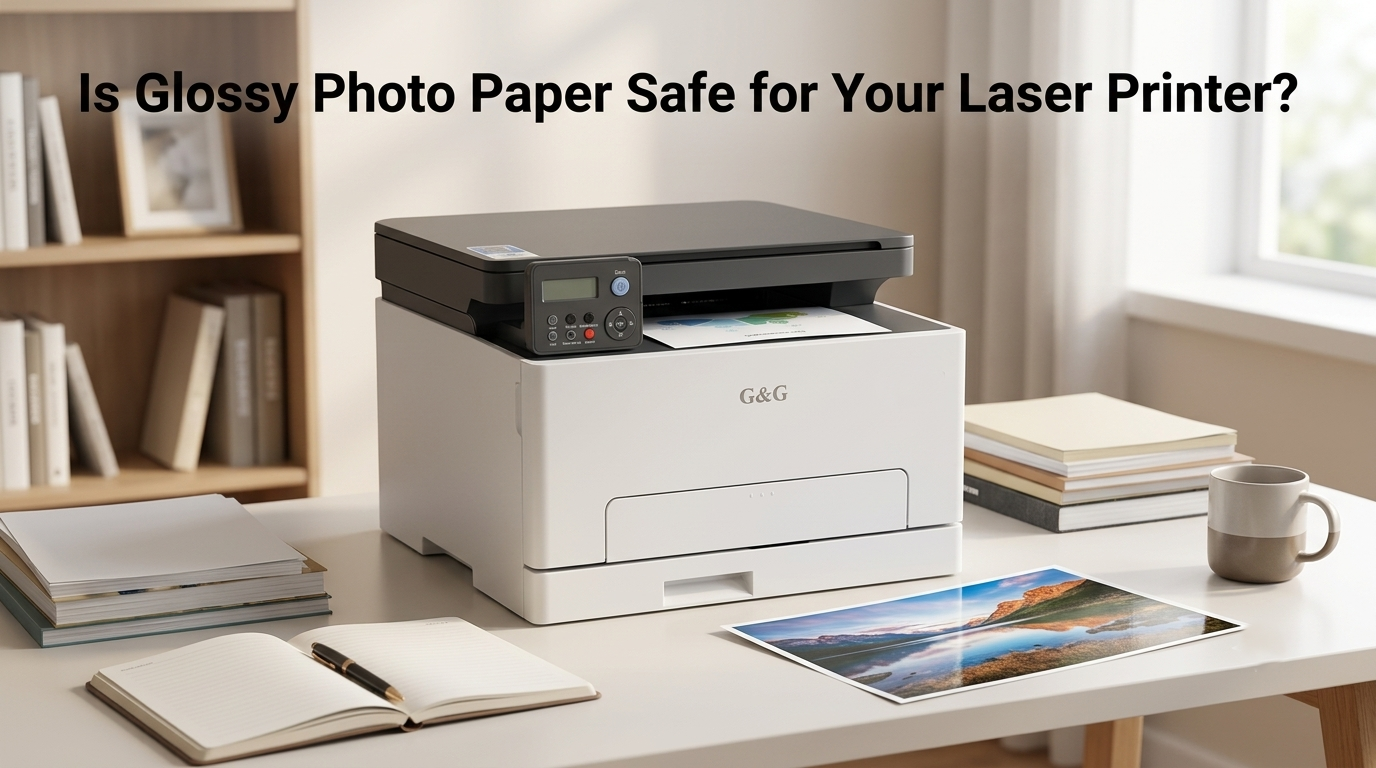
Direct Answer: Yes, but ONLY if the packaging explicitly says it is rated for laser printers. Using standard glossy photo paper meant for inkjet printers in a laser printer is a major hazard—the heat can melt the paper's coating directly onto your printer’s fuser roller, causing severe jams and costly damage. However, specially designed laser printer glossy photo paper is engineered to withstand extreme heat, giving you crisp, brilliant prints without risking your laser printer.
Why You Should Choose the Right Paper for Your Laser Printer
To understand why using the right paper is so crucial, you first need to understand how laser printers work. Unlike inkjet printers that spray liquid ink onto paper, laser printers use extreme heat and pressure to fuse plastic-based toner particles directly onto the fibers of the page.
Inside your printer sits a component called the fuser unit. As paper passes through, the fuser reaches temperatures of 300°F to over 400°F (150°C to 200°C) in a fraction of a second. Standard printer paper handles this heat with ease. But when you introduce specialty media like paper photo paper, the material on the surface determines whether you get a beautiful or broken print.
Glossy Photo Paper vs. Inkjet Photo Paper
Before loading any shiny sheet into your paper tray, it helps to clear up a common mix-up. Many people assume "glossy paper" is all the same, but photo paper designed for inkjets and glossy photo paper for laser printer use are built on completely opposite chemical technologies.
Feature | Inkjet Photo Paper | Laser-Compatible Glossy Paper |
Surface Coating | Soft, waxy polymer designed to absorb liquid ink drops. | Heat-resistant mineral/clay layer designed to lock in dry toner. |
Heat Resistance | Very Low. Melts quickly at high temperatures. | Very High. Survives fuser heat up to 400°F (200°C). |
How It Works | Acts like a sponge, pulling wet ink below the surface. | Acts like a heat-stable canvas, letting plastic toner melt onto it. |
Laser Printer Safety | DANGEROUS. Will melt, jam, and ruin internal components. | SAFE. Formulated to pass through hot rollers cleanly. |
What Happens When You Use Inkjet Paper in a Laser Printer?
Inkjet photo paper is coated with a soft, waxy polymer layer designed to absorb liquid ink quickly. When this waxy layer meets the scorching heat of a laser printer's fuser, it doesn't print—it melts.
The molten wax sticks to the internal heating rollers, wrapping the photo paper glossy paper around the fuser mechanism. This creates a severe jam, leaves sticky residue that ruins future prints, and can permanently destroy the fuser unit.
How to Safely Choose Paper & Work with DIY Options
If you want to create glossy prints, custom stickers, or marketing flyers at home, you can easily do it safely by keeping a few practical tips in mind.
Reading the Packaging and Checking the Back of Photo Paper
When shopping for media, look for the words laser printer glossy photo paper or "Laser Compatible" right on the front of the box.
It's also smart habit to inspect the back of photo paper sheets. If the back feels rubberized, plastic-coated, or features heavy watermarks intended for inkjet ink absorption, skip it! True laser-safe sheets usually have a smooth, heat-stable backing that glides cleanly across hot rollers without catching or curling.
DIY Sticker & Glossy Options: Overlays vs. Clear Sprays
If you're making custom stickers or high-gloss cards, you might consider a few DIY shortcuts:
Clear Laminate Overlays: Print your design on standard laser paper or matte sticker paper, then lay a clear self-adhesive sheet over the top. This gives you a brilliant, water-resistant shine without sending any risky coatings through your printer.
Clear Spray Coatings: Spraying prints with a clear glossy acrylic finish works well after printing. However, never spray paper before feeding it into your printer. Aerosols contain solvents that can melt plastic toner and create toxic fumes inside hot fuser assemblies.s give you the biggest bang for your buck.
Conclusion
Always start with the basics: check your paper packaging to ensure it is explicitly made for laser heat, inspect the back of the sheet for soft or waxy coatings, and select the correct "Glossy" or "Heavy" paper setting in your print menu. By following these simple steps, you can prevent fuser damage and create beautiful, shiny prints completely stress-free.
When you need a reliable, cost-effective printing setup for your home or small business, it is worth looking at the g&g laser printer lineup. They offer smart temperature control, smooth media handling, and easily refillable toner cartridges that make printing vibrant, professional-quality photos and stickers simpler than ever.