Refilling your own laser printer toner can be a great way to save money and reduce waste, especially if you print a lot at home or in a small office.
But let's be honest—the idea of opening up a cartridge and pouring fine powder inside can feel a bit daunting. If done wrong, you might end up with a messy leak, poor print quality, or even damage your printer.
The good news is, with the right approach and a bit of care, you can safely refill laser printer toner yourself and keep your printer running smoothly.
Get the Right Tools and Materials
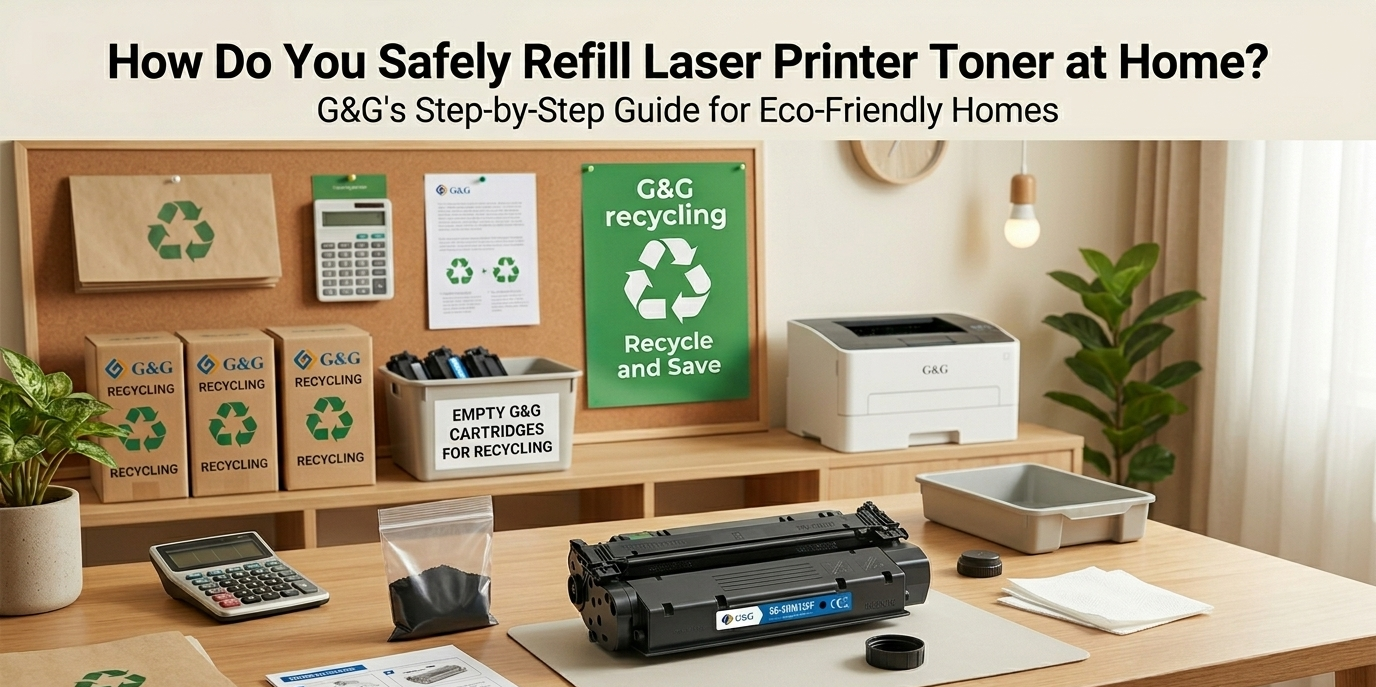
Before you start, make sure you have everything you need. The most important item is a laser printer toner refill kit that matches your specific cartridge model. Using the wrong toner can clog your printer or cause streaks.
If you're considering a more sustainable option, remember that laser printer toner recycling is another way to go, and some companies even offer programs to recycle laser printer cartridges for cash.
Step-by-Step Refill Process
1.Carefully remove the cartridge from your printer.
Check it for any cracks or damage—if it's worn out, refilling might not be safe. Most cartridges have a refill hole sealed with a plug. Use the tools from your kit to open it gently; don't force it. Slowly pour the new toner into the hole using the provided funnel. Take your time and avoid overfilling, as excess toner can leak and create a mess. Once filled, seal the hole tightly with the plug or tape from the kit. A loose seal is a common cause of toner spills inside the printer, which can lead to costly repairs.
2.Cleaning and Testing After Refill
After refilling, wipe the outside of the cartridge with a dry cloth to remove any stray toner. If any powder spilled into the printer, use a small vacuum or dry cloth to clean it—never use water or wet wipes, as moisture can damage electronic parts. Now reinstall the cartridge and run a test print. Look for streaks, faded areas, or spots. If the print isn't perfect, gently shake the cartridge to distribute the toner evenly and try again. Sometimes it takes a few pages for the toner to settle. If problems persist, you might need to clean the drum or consider a professional refill toner for laser printer service.
3.Eco-Friendly Tips: Recycle and Reuse
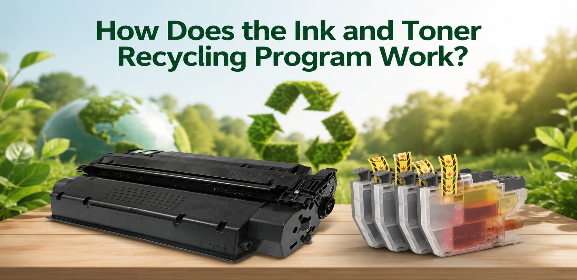
Refilling isn't just about saving money—it's also a green choice. Instead of throwing away empty cartridges, you can recycle laser printer cartridges through many office supply stores or manufacturer programs. Some even pay you a small amount, turning waste into cash.
If you're not comfortable refilling yourself, another option is to buy a refurbished laser printer or use G&G reman laser cartridge products. Remanufactured cartridges are professionally cleaned, refilled, and tested, offering a reliable and eco-friendly alternative to brand-new ones. They often come with a warranty, giving you peace of mind.
Safely refilling your laser printer toner at home is totally doable if you follow the proper steps. Use the correct refill kit, work in a clean space, and take your time to avoid spills. Not only will you cut costs, but you'll also help reduce electronic waste.
And if DIY isn't your thing, remember that options like G&G reman laser cartridge provide a hassle-free, quality-assured solution. Whether you refill or recycle, taking care of your printer supplies smartly keeps your home or small office running efficiently and sustainably.