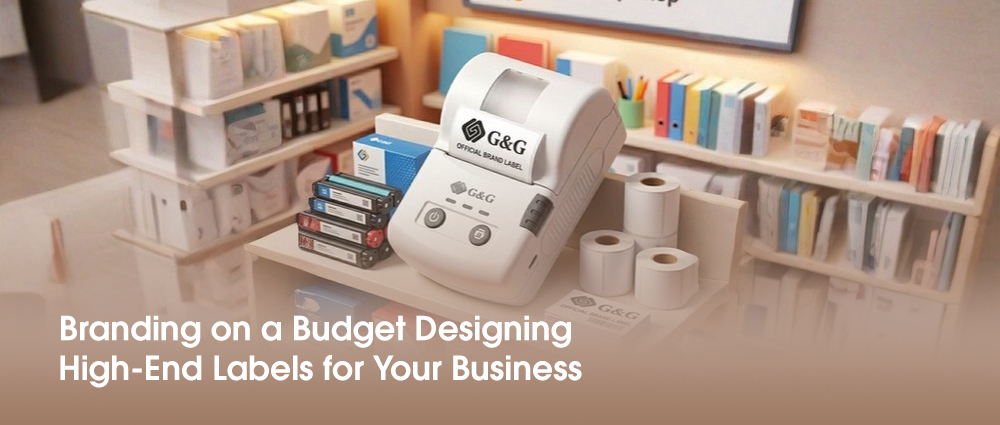
The answer is simpler than you think: it comes down to using free label design templates, choosing the right label maker for small business, and focusing on a clean, modern look.
By using a high-quality label printer, you can get that "store-bought" professional finish right from your desk. You don’t need a massive marketing budget to look like a luxury brand; you just need the right label printer and a little bit of design tips.
Choosing Your Style
Before you even touch a computer, you need to decide what your brand feels like. Think about private label brands you see in high-end shops—they usually don't have cluttered designs. Instead, they use lots of empty areas and simple fonts to look expensive.
When you sit down to design a label, ask yourself: "If my product was sitting on a shelf next to a famous brand, would it hold its own?" To look high-end on a budget, stick to two main colors and one or two easy-to-read fonts. This "less is more" approach is the biggest secret to making labels for small business look like they cost thousands of dollars to design.
High-End Design on a Zero-Dollar Budget
You don't need to hire a professional designer to get a "luxury" look. There are amazing tools that do the heavy lifting for you.
Free Label Design Templates: Websites like Canva and Adobe Express are lifesavers. They offer thousands of pre-made layouts. The trick is to find a template you like and then simplify it. Remove extra icons and stick to a clean, "less is more" style.
The AI Advantage: Most modern tools now have an "AI label designer." You can literally type in "organic honey label, minimalist, gold and white," and the tool will create several labels with designs for you to choose from.
Finding the Right Label Printer
Once your design is ready, you need to print it. That’s where a dedicated label printer for small business comes in.
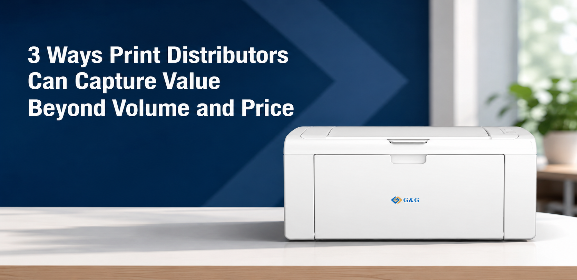
The Label Printer: If you want speed and reliability, the GG-D210 is a thermal printer, which means it doesn't use ink or toner. This saves you a huge amount of money over time.
Why it looks "High-End": G&G label printer printers offer sharp, crisp lines that don't smudge. Plus, they have "automatic label positioning." This means you won't waste expensive label rolls trying to get the image centered—the printer does it for you every single time.
Pro Tip: If you are a label maker for small business owner working from a phone, look for a printer with Bluetooth. You can design your brand label on your mobile app and hit "print" while you're still packing the product.
You don't need millions dollar to create a million-dollar look. By using free label design templates, a reliable G&G label printer, and choosing smart materials, you can compete with the biggest names in your industry. Remember: branding is about the story you tell, and a clean, professional label is the first chapter of that story.