Keep your printer on; sleep mode prevents wasteful "re-priming" cycles.
When your laser printer screams "Low Toner," you actually have 10-20% capacity remaining—hundreds of printed color pages are still within reach. While shaking the cartridge works, you can save more if you use the safe way to redistribute the toner powder and extend its life. Let's break in.
How Much Toner is Actually Left When the Printer Says Low?
Most users panic when their laser printer starts flashing a yellow warning, assuming they are about to start printing pages that look faded or streaky. But here is the industry secret that manufacturers rarely highlight: your printer isn't actually "looking" at the physical toner powder. Most laser printers for home, rely on a "pixel-counting" algorithm. This software tracks how much "ink" you’ve used on previous printed color pages and makes an educated guess about when you'll run out.
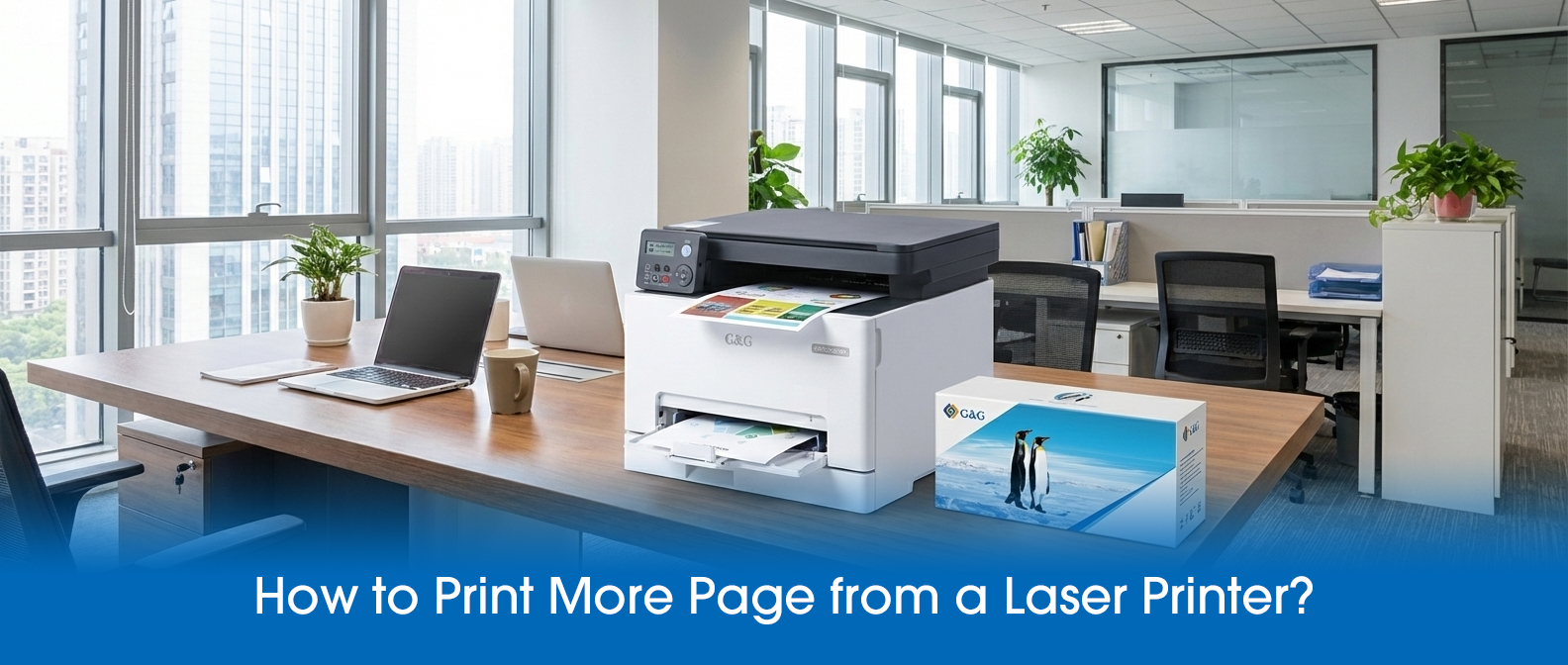
This digital estimator is notoriously conservative. It assumes the worst-case scenario—heavy graphics and bold fonts—to protect the machine’s hardware. In reality, when that "Low" light first appears, you often have enough "ghost toner" for another 200 to 500 pages of standard text. By understanding that your printer is just "guessing," you can confidently keep working without rushing to replace a cartridge that still has plenty of life left.
Does Shaking the Toner Cartridge Actually Work?
Absolutely.
But the "why" is something most experts skip over. Inside your laser printer cartridge, toner doesn’t behave like a liquid; it behaves more like dry sand or flour. Over time, as you print page after page, the internal supply roller creates "channels" or empty valleys in the powder. Even though there is significant toner left in the far corners of the hopper, the roller simply can’t reach it. This is why you often see white streaks down the middle of your laser printing jobs even when the cartridge feels heavy.
By removing the cartridge and giving it a gentle, horizontal "rocking" motion, you are essentially collapsing those tunnels and leveling the "angle of repose." You are shifting the "dead" powder back into the "active zone" where the roller can grab it.
Interestingly, many bargain-bin cartridges use "crushed" toner with jagged, irregular edges that hook together and resist moving. This makes the "shake" less effective. In contrast, a G&G laser printer cartridge uses premium toner particles. They are designed to slide effortlessly back into place when shaken. This simple physics trick can help you squeeze out an extra 50 to 100 pages of professional-quality work, ensuring you get every cent of value out of your investment before it's truly time for a replacement.
Software Tips to Extend Page Yield
While most guides simply tell you to use "Draft Mode," that often makes your printed color pages look too faded for professional use. The real use is adjusting the Toner Density settings—a feature hidden deep within the "Advanced" tab of your laser printer properties. Unlike Draft Mode, which skips dots, lowering the density reduces the thickness of the toner layer applied to each print page. By dropping the density by just one or two levels, you can save up to 15% more toner while your documents still look sharp and black.
Another trick many ignore is the "Toner Out Action" setting. Many laser printers are programmed to stop working the moment the sensor thinks the cartridge is low, even if there’s plenty of powder left. By going into your printer’s system menu and changing the setting from "Stop" to "Continue," you force the printer to keep printing pages until the quality physically degrades. If you eventually see the printer printing blank pages, you’ll know you have finally exhausted the supply.
Before you commit to a long document, always print test page reports to ensure your density tweaks haven't compromised legibility.
Saving money on laser printing isn't just about how you handle the cartridge—it’s about changing your mindset from "price per cartridge" to "yield per grain." Most experts focus on the hardware, but the real secret to long-term savings lies in the chemistry of what you put inside. Low-quality, "bargain" toners often have irregular shapes that lead to massive waste in the overflow bin, meaning you're paying for powder that never even hits the paper.
By trusting G&G Image, you are investing in "spherical technology" that ensures almost 100% of the toner is used for printing pages, not filling up a waste tank. When you combine these smarter habits with the high-efficiency engineering of G&G, you bridge the gap between "cheap" and "value." You don’t have to sacrifice your professional image to save a dollar. Start treating every print page as an opportunity for efficiency, and you’ll see the difference in your bank account and your document quality.